Open any Ableton session — even one a friend sent you. GRIDWERK reads the .als and shows every native and third-party plugin it uses. Tracks plugin usage across your entire catalog.
— FOR ABLETON LIVE
Built for the way
Ableton producers work.
Ableton's the instrument. GRIDWERK is the rig you work on between sessions. It reads your User Library, parses your .als files, runs the production tools Live doesn't, and handles the business side of releasing — clearance, splits, distribution. Native to your workflow, not bolted on top.
01 ABLETON-NATIVE MOVES
Six things only
Live users get.
Ableton is one of GRIDWERK’s deepest project readers: tracks, plugins, MIDI notes, mixer settings, routing, and automation presence where the set carries them. GRIDWERK also reads other DAW formats, with coverage shown per field.
Recently-opened sessions surface automatically. One-click launch. Tempo and key follow your project across the workspace.
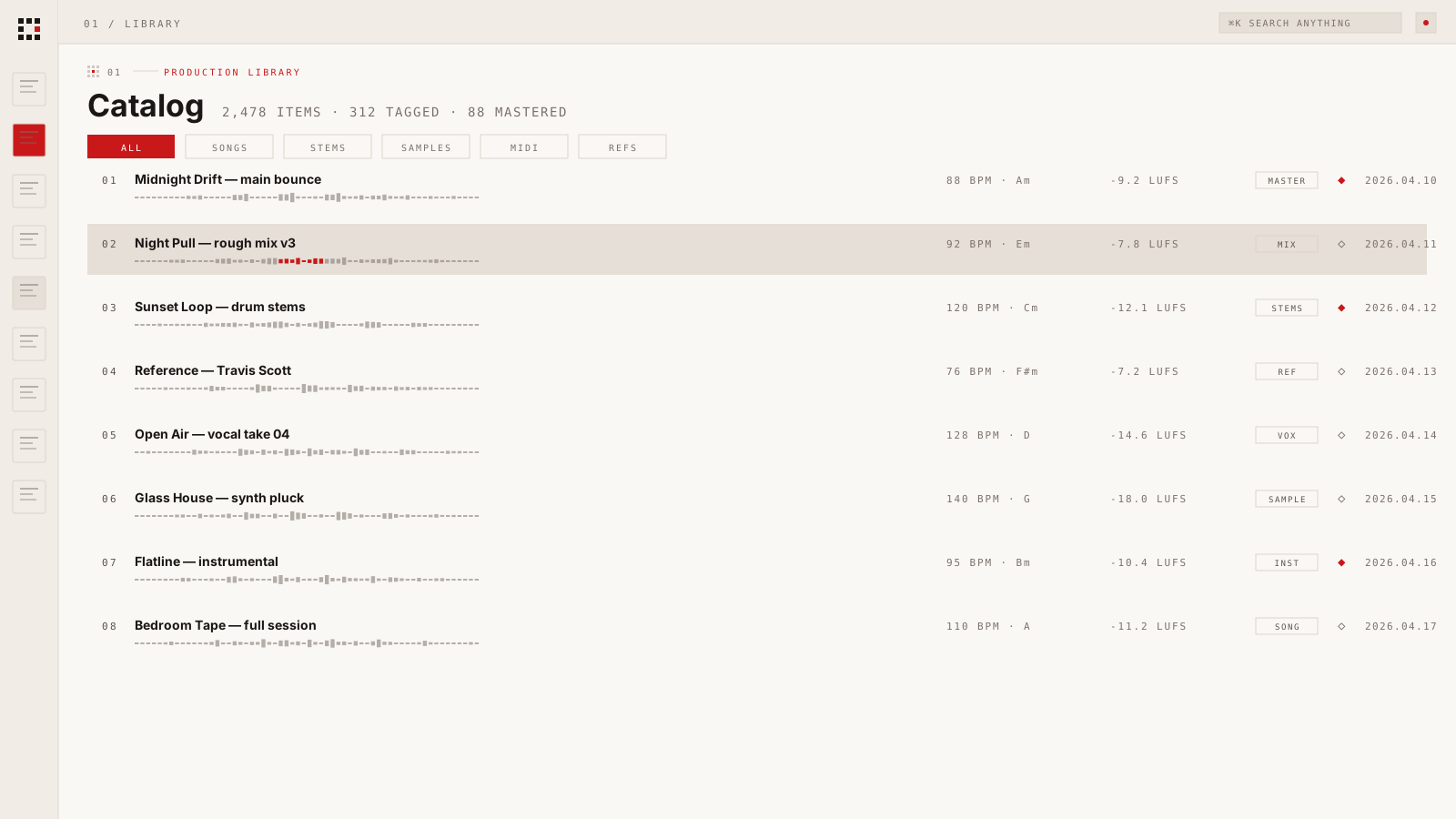
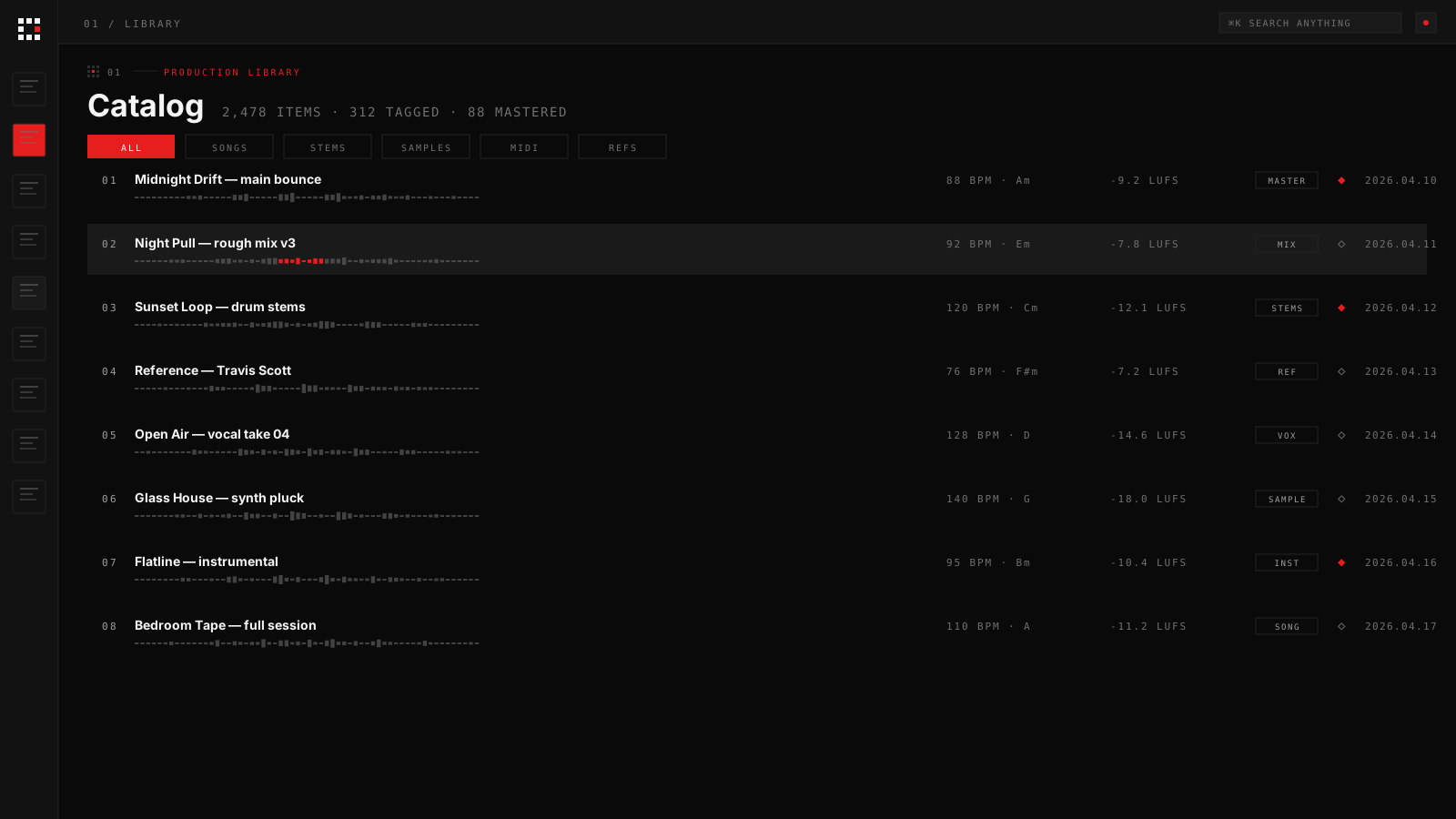
Auto-imports your Ableton User Library + Splice folder + Tracklib downloads. Tempo, key, LUFS detected on every drop. Search by sound, not filename.
Move ideas from blank session to release. Status, deadlines, collaborators in one view. Beats kanban for serial producers.
Pull a track apart with Demucs on your CPU. Drums, bass, vocals, other. Routes back into your Ableton sets.
Mastering with editable chain. Multi-format deliverables. Sample clearance, splits, distribution prep — all the post-Ableton work.
The first 5 minutes
- 01.Point GRIDWERK at your Ableton User Library folder.
- 02.It auto-detects Splice and Tracklib folders. Yes/no.
- 03.It scans, analyses, indexes — tempo, key, LUFS on every sample.
- 04.It registers your installed VST2/VST3 plugins. Vendor + category auto-detected.
- 05.You're back in Live. The rig is on your second monitor. The sample is one search away.
09 EARLY ACCESS
Stop juggling tools.
Ship more music.
GRIDWERK is in private build. Drop your email — you'll get the install link the day it ships, plus a founding-member rate locked in.
Windows first. macOS after. No spam — one launch ping, one founder offer.